Contact Page and Settings
Create Page
Note
If you have imported the demo contents XML then this page is already created.
Go to Dashboard → Pages → Add New
Provide the page title

Select the Contact as template from page attributes.

Contact Page Settings
Since theme version 3.9.2 you can create as many contact pages as you want and configure each contact page information from its add/edit page.
Contact Map

Note
Map Type option works only with Google Maps. To enable Google Maps for your website, You need to configure Google Maps API key by navigating to Easy Real Estate → Settings → Maps.
Contact Details
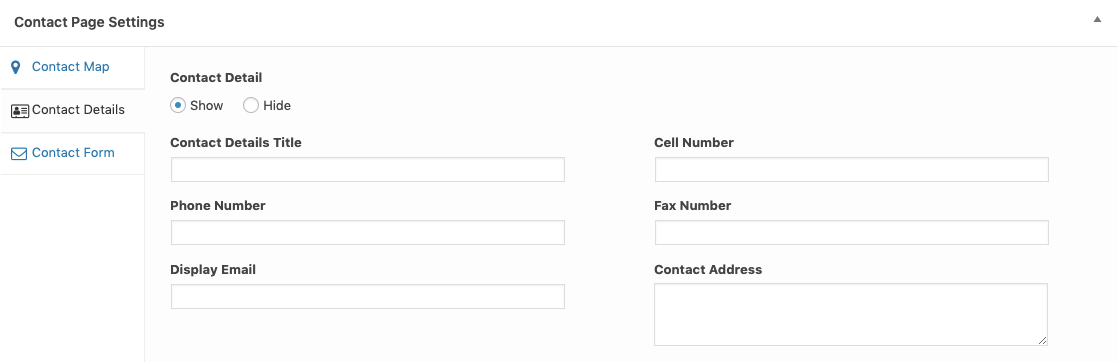
Contact Form
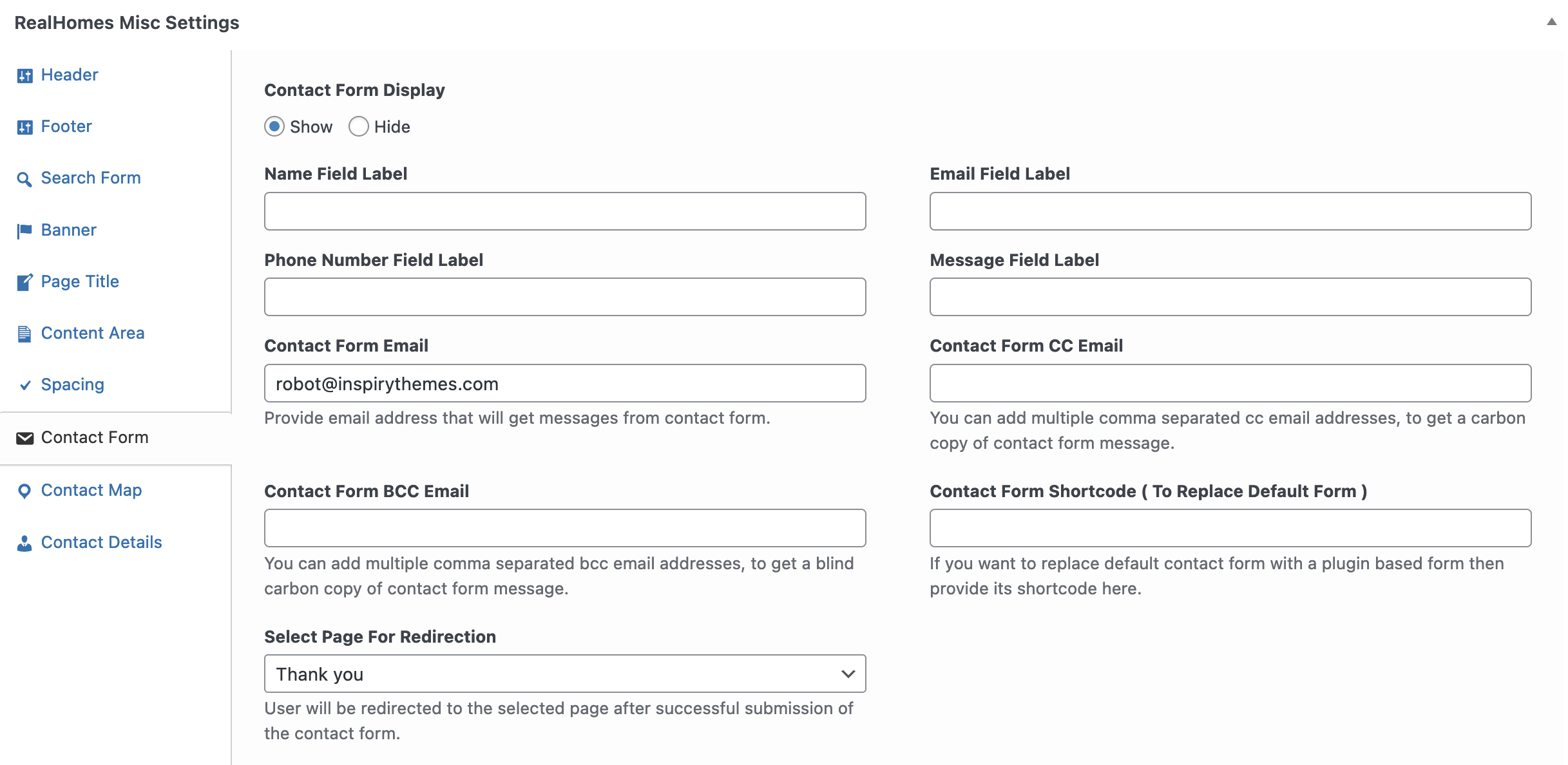
Note
The Contact Details Title and Contact Form Heading fields are only for the Classic design variation.
RealHomes Misc Settings
Classic

Modern

Ultra

More information about Banner Settings can be found here:
https://support.inspirythemes.com/knowledgebase/how-to-configure-the-banner-settings/
Publish the page once it is ready.
After publishing you need to add the newly created page in menu from Dashboard → Appearance → Menus.

Header Variation (Modern)
Navigate to Dashboard → RealHomes → Customize Settings → Contact Page section.

Note
Header Variation option is available in Modern Variation only.